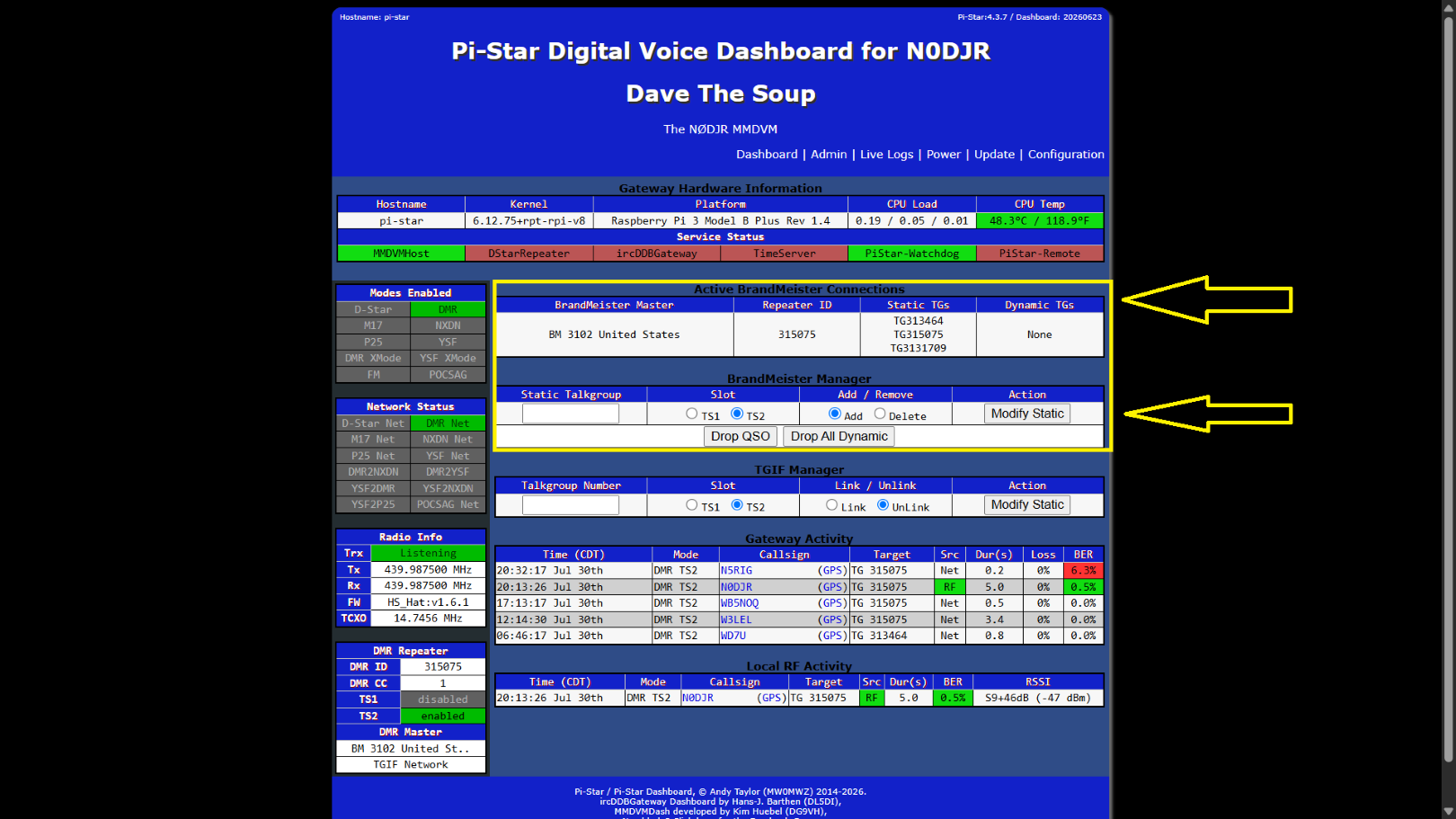
How to add the BrandMeister API Key talkgroup manager to manage your static and dynamic talkgroups
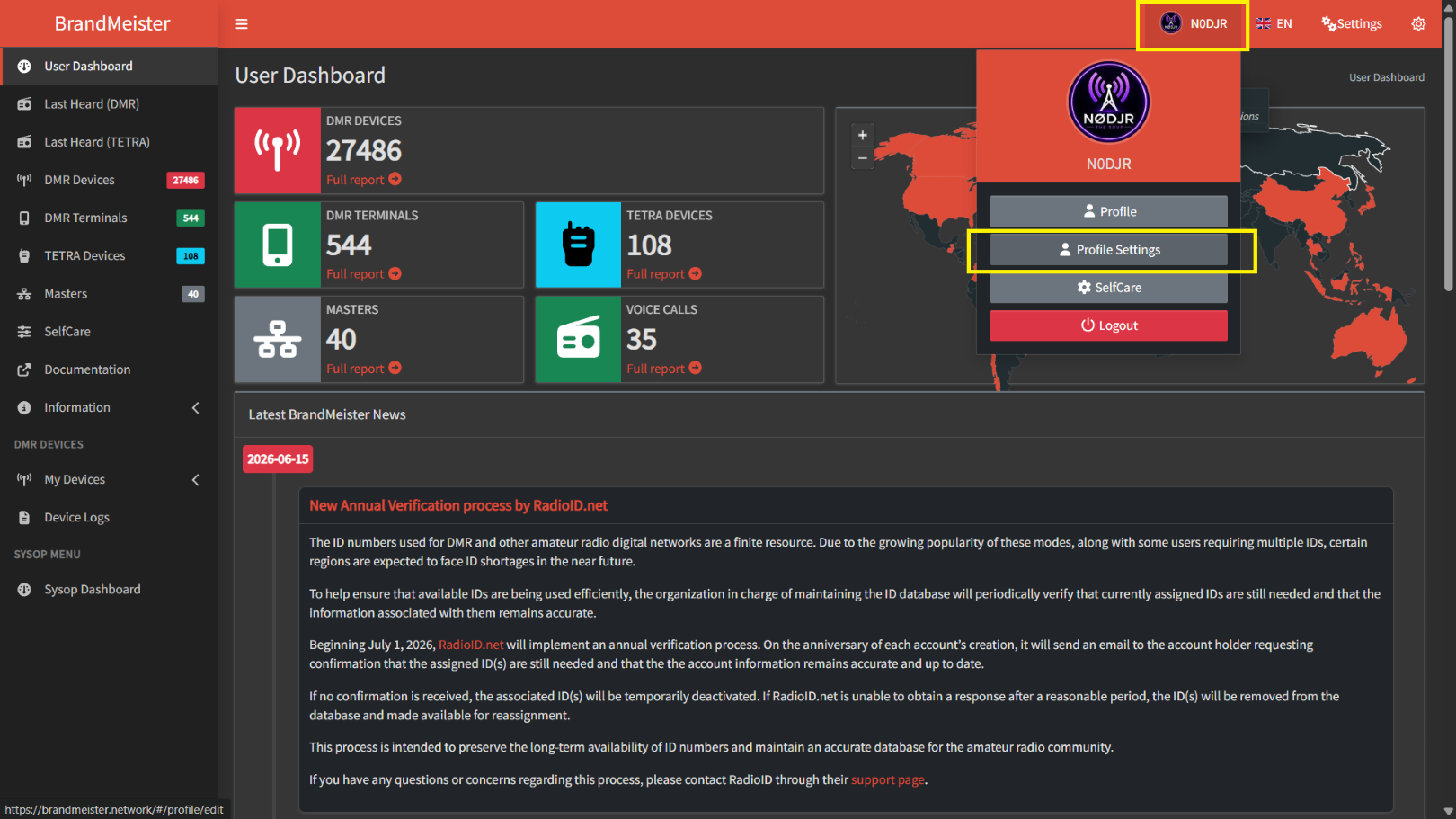
First log into your BM account go to profile settings
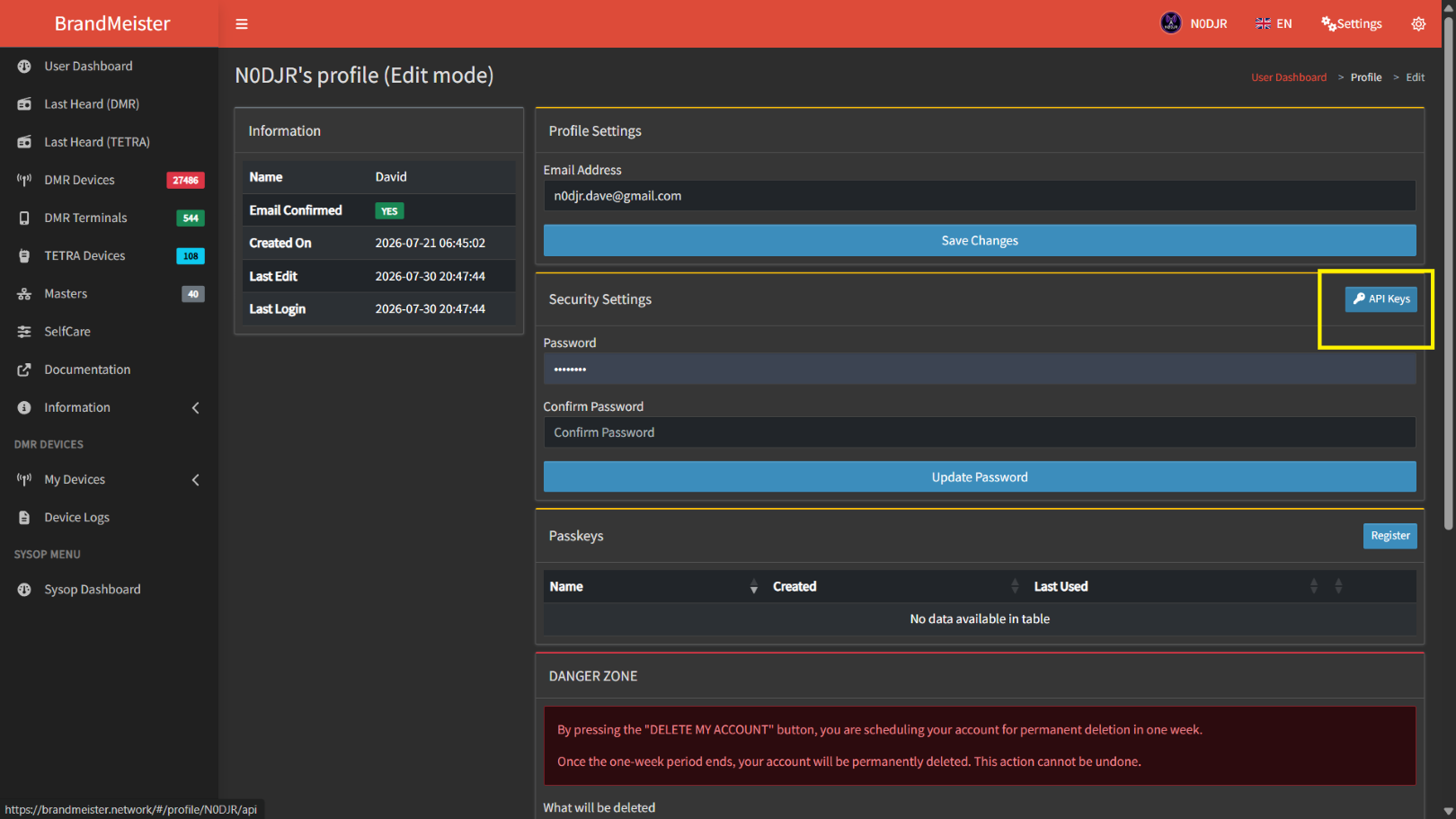
Select API Keys
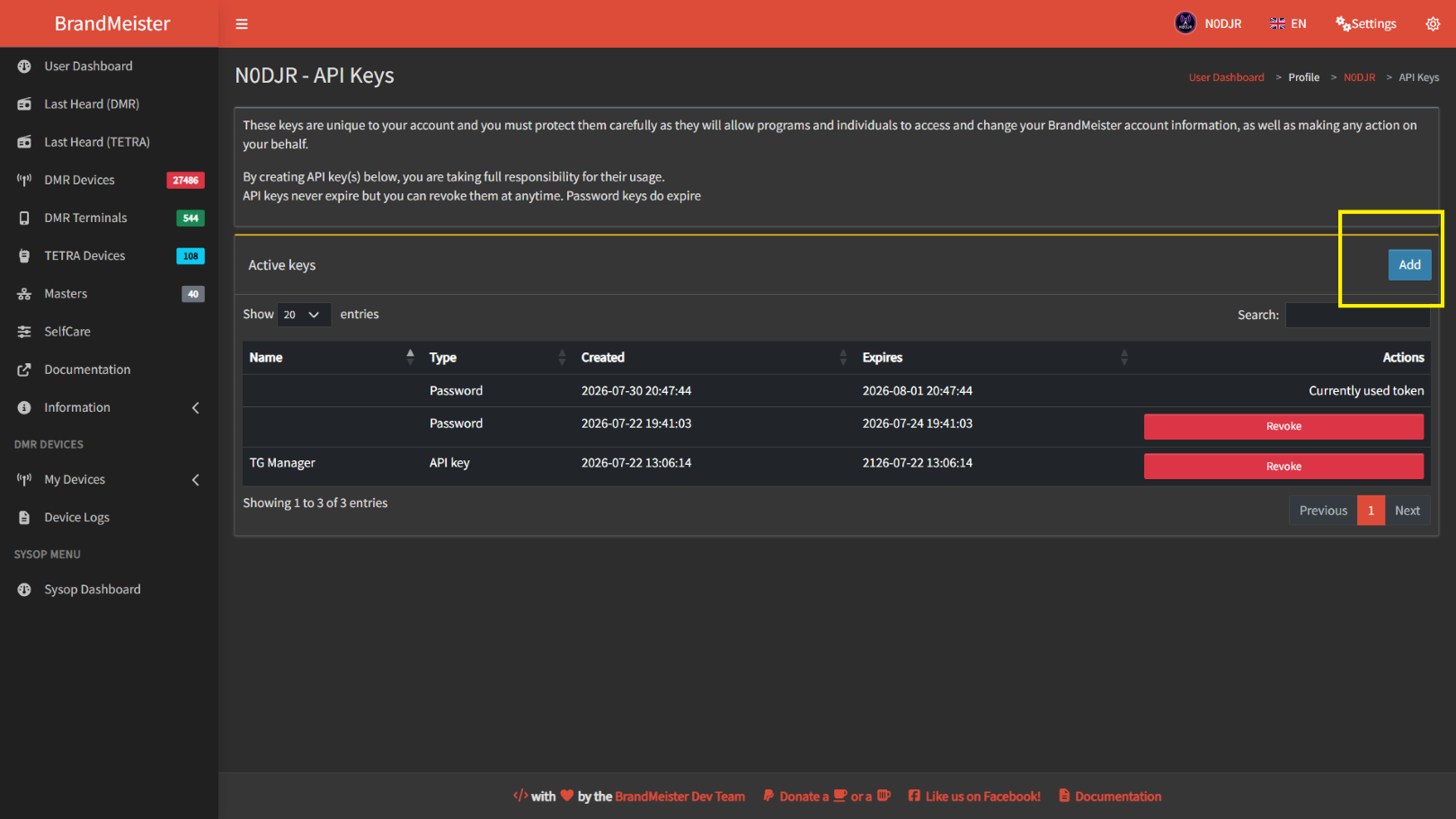
Select Add
Name the Key, something like talkgroup manager
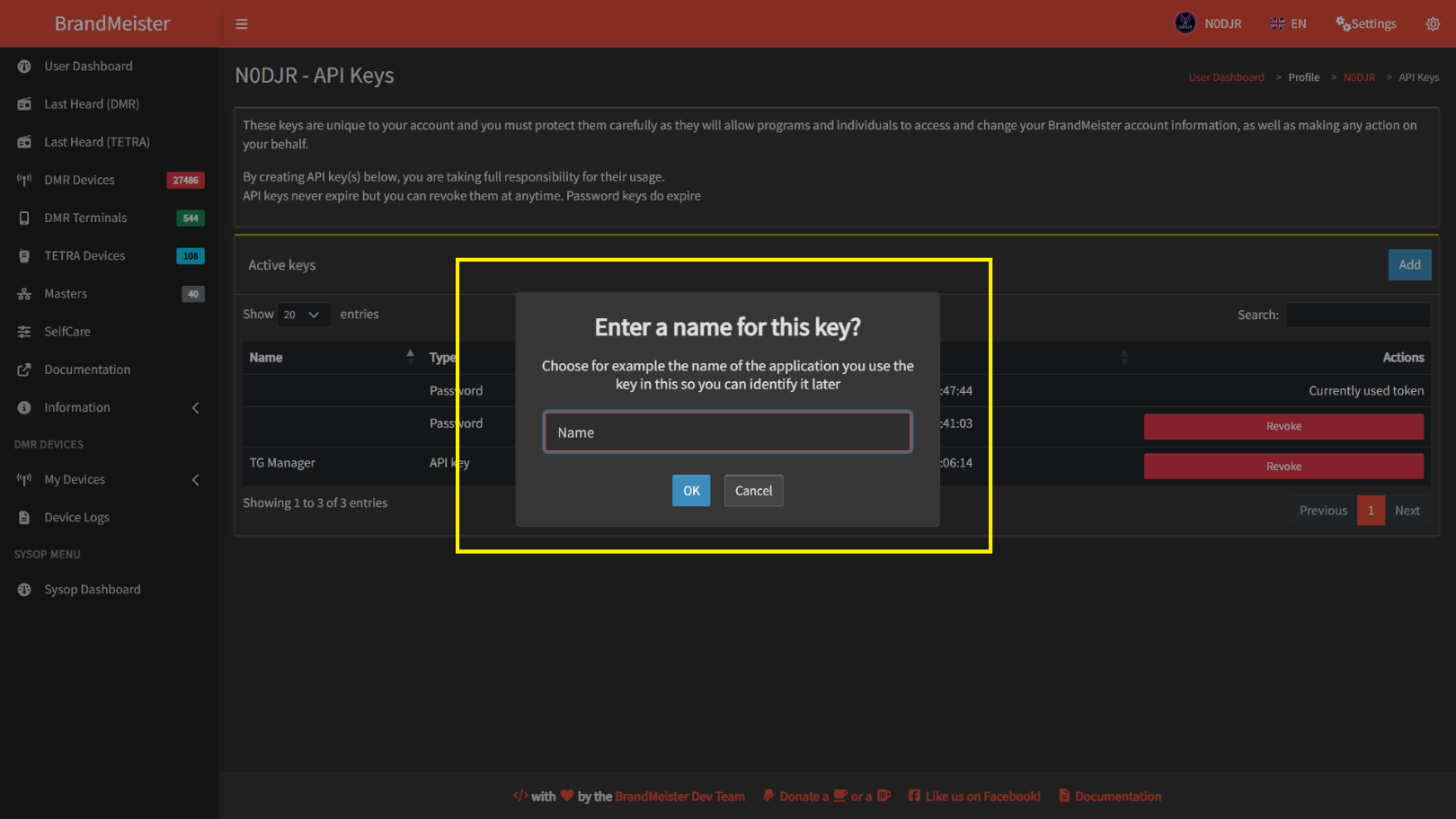
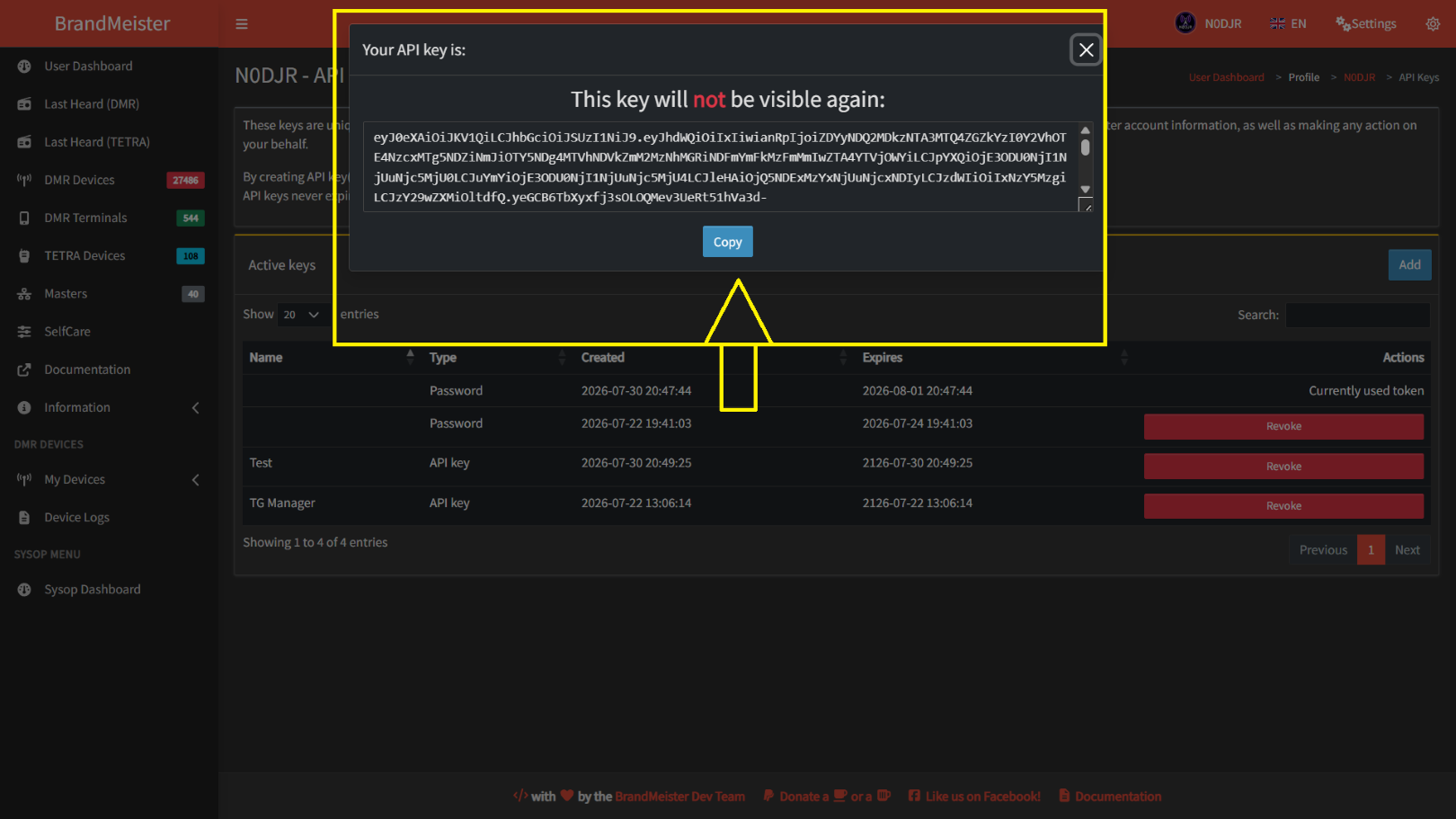
Copy all that text then after you copy it all click OK
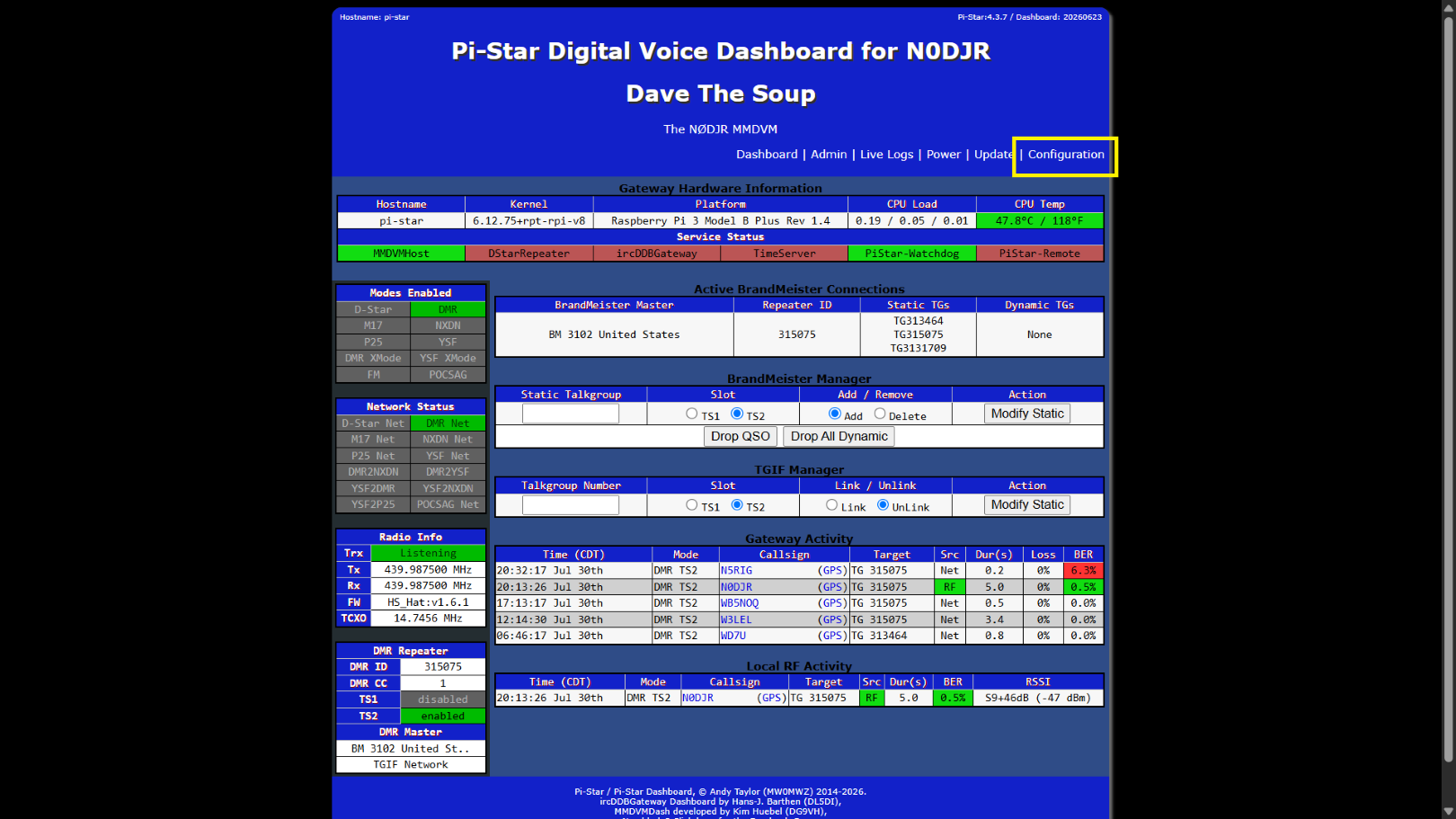
Go back to the pi-star dashboard and select Configuration
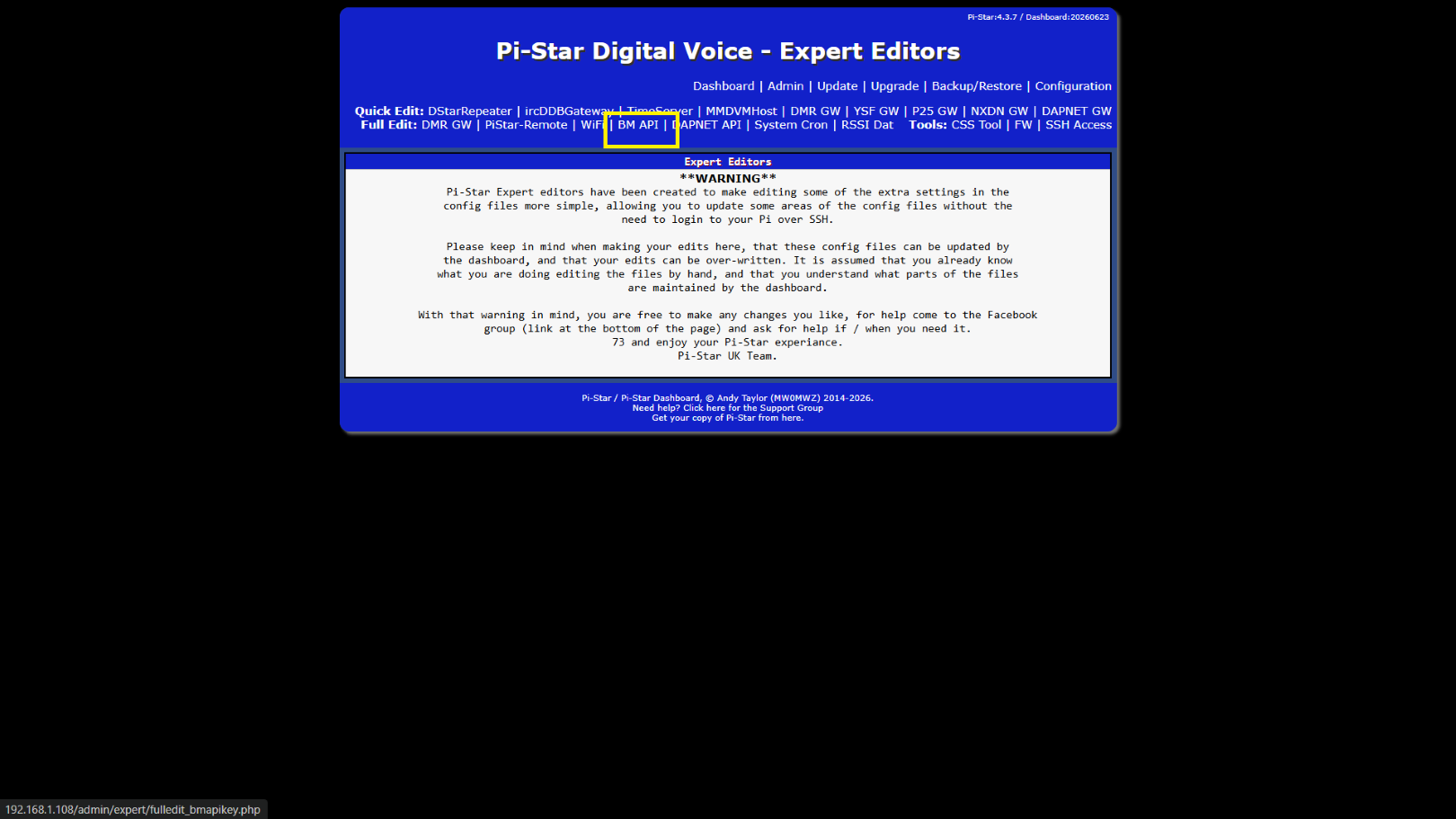
Select Expert
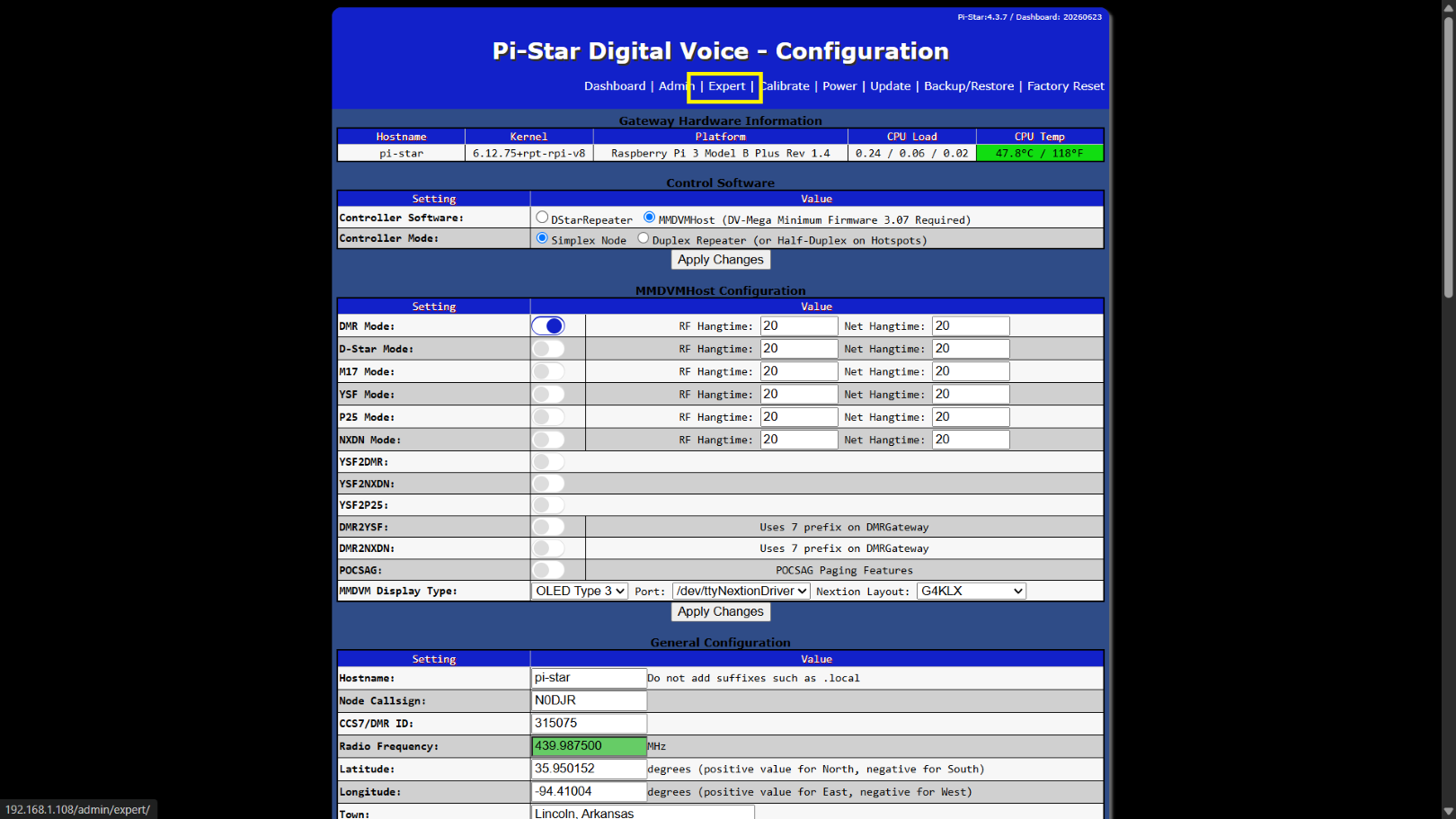
Select BM API
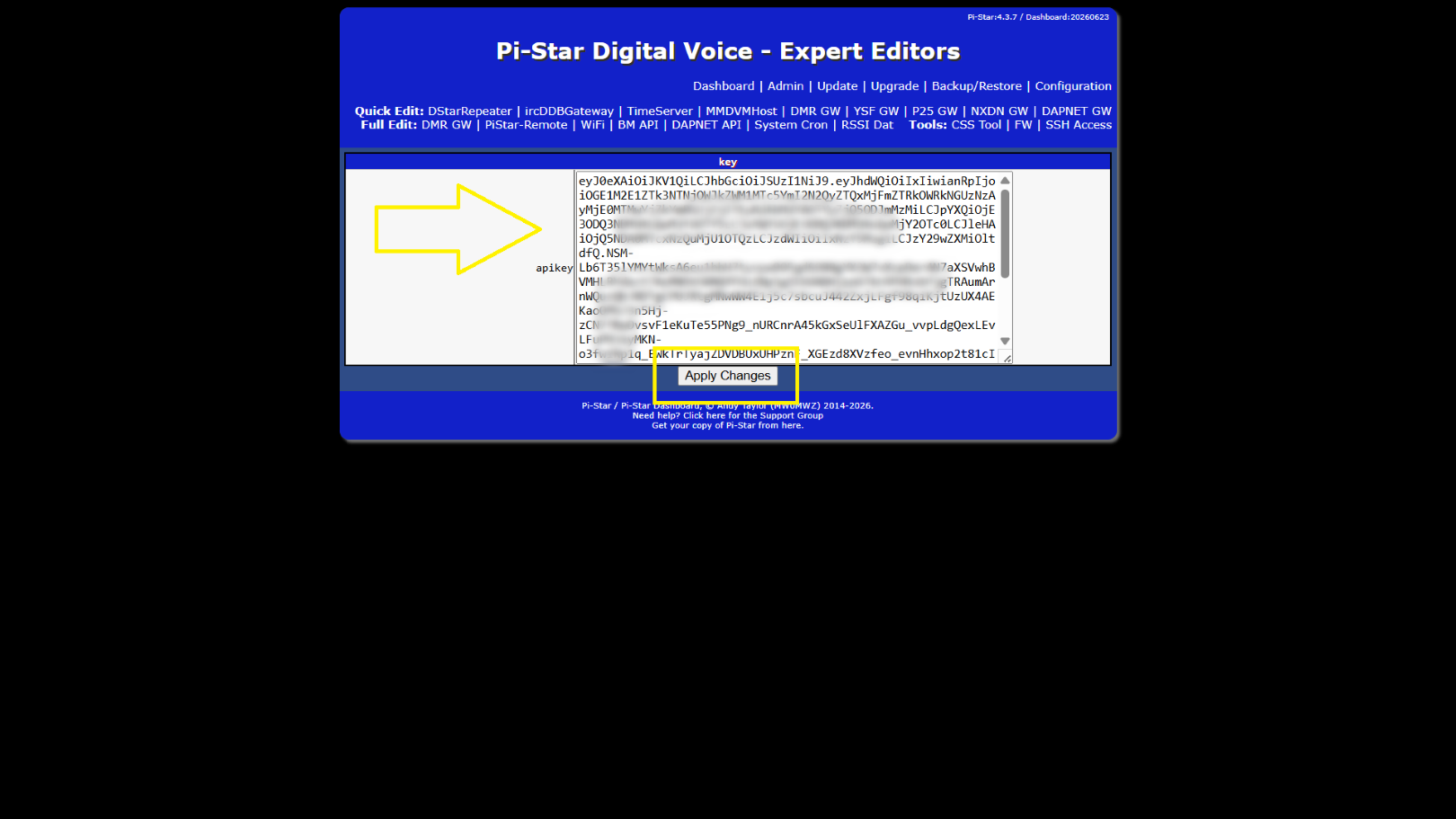
Paste that text in the box then click apply changes
Here is your new talkgroup manager