Free software for contest adjudication
!! Read the FAQ about the N1MM+ Cabrillo format change !!
My mouse pointer doesn't change to a hand pointer. How can I download the software?
Right-click the link and select {Save Link As...} or {Save Target as...}.
Save the Install file to your HD, then run it `As an Administrator`.
 Use this Windows installer for XP and newer OS.
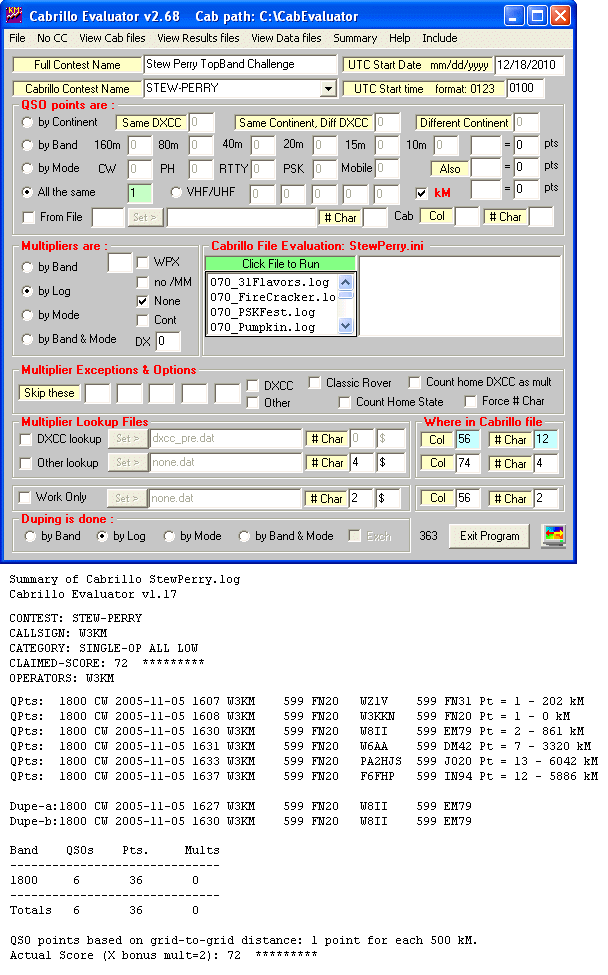
Windows Setup for Cabrillo Evaluator v3.39 for XP and newer OS.
If you get an error, save the Install file to your HD and run the file again `As an Administrator`.
The software will be installed to the C:\CabEvaluator default folder.
Click the above link and select `Run` to start the installation process.
Read about installing to a different folder.
If you have the above software installed, the latest revision below is available at any time.
See what`s
 in this version.
W3KM-CabEvaluator-v3.75-Update Update file for CabEvaluator v3.75
 Nov 5, 2024.
Always back-up your current working .exe first
Click the above link and select `Run` to start the installation process.
Why the unrecognized application pop-up.
Here are lots of Ini and look-up files and some lookup files updated monthly - not included with the SW.
New users wishing to try the software, extract the files of interest.
Set the files sorted by name to see files by contest.
Set the files sorted by date to see if you want the latest files.
Extract and save the particular files you want to the Cab Evaluator folder.
Contest sponsors not using Cabrillo: Using one file format for log submissions will make life easier !
A Cabrillo template should be published with the contest rules. Be explicit in the contest rules.
First time sponsors can request contest setup files - all profile and lookup files for your contest.
Here are sample Cabrillo files and sample scoring results files.
Go here for Cabrillo specs, some templates and info.
Check the contest sponsor`s site for other Cabrillo templates.
Read these Cabrillo hints to reduce log submittal problems and increase your score.
Questions, comments or problems: w3km at verizon dot net

Donations are always appreciated. Thank you. June 2025 W3KM