Using the TinyGTC
With the TinyGTC unboxed and ready for use, it is time to use it to adjust a crystal oscillator to be on frequency. The Wenzel Associates 500-08366 100 MHz quartz oscillator is regularly used in the home lab and has not been checked for frequency accuracy or adjusted for a few years now. Let's see how it measures and then find out if it can be adjusted to be as close as possible to 100.000 MHz.
A 20 dB attenuator was used between the output of the +13 dBm oscillator and the TinyGTC input. With the input set to 50 Ohm impedance, this yielded a power reading in the TinyGTC of -4.3 dBm (visible in some of the screen shots below). Am being careful not to overload any of the TinyGTC inputs per their guidance. Later the attenuation value was changed to 15 dB yielding an input level closer to 0 dBm.
The initial reading on the oscillator was more than 50 Hz low in frequency. This was after being stabilized at room temp for over an hour.

Using the TinyGTC, I adjusted the small set screw on the side of the test oscillator to be pretty close to 100.000000 MHz and then let it stabilize again. It was closer than my 50 Hz starting error, but might be better?
I had noticed that the oscillator drifted upward in frequency as it warmed up, and was sensitive to air currents cooling it off (moving frequency downward) when sitting on the desk. A simple plastic enclosure with insulation inside was tested to see if it made things more (or less) stable over time.
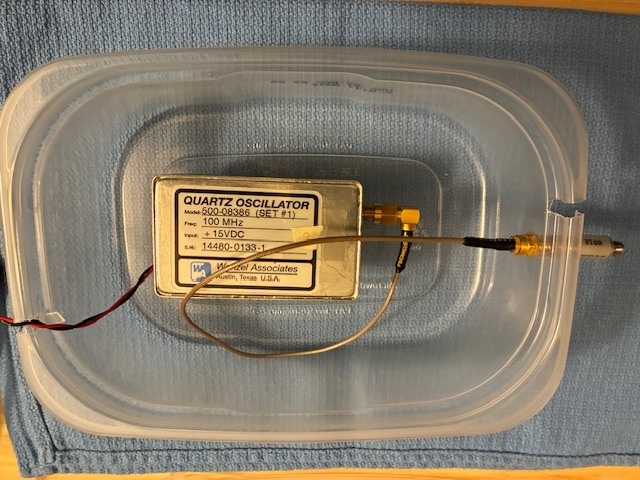


With the oscillator placed inside the package, the frequency steadily rose as the temperature within increased. The temperature eventually stabilized approximately 2 Hz high.
The oscillator was removed from the insulated package and stabilized at approximately 0.5 Hz high. Now the idea would be to lower the frequency using the side adjustment screw by ~ 1.5 Hz and then place back inside the package (hoping to be pretty close to being exactly on frequency after stabilization).
The photo below shows the stabilized oscillator with minor adjustments being made to the set adjustment (causing the jumps in the frequency shown in the chart).

The setting was made to be ~ 1.5 Hz lower (ending up at around 99.999.998.5). Time to place the oscillator back in the package and let it stabilize again.
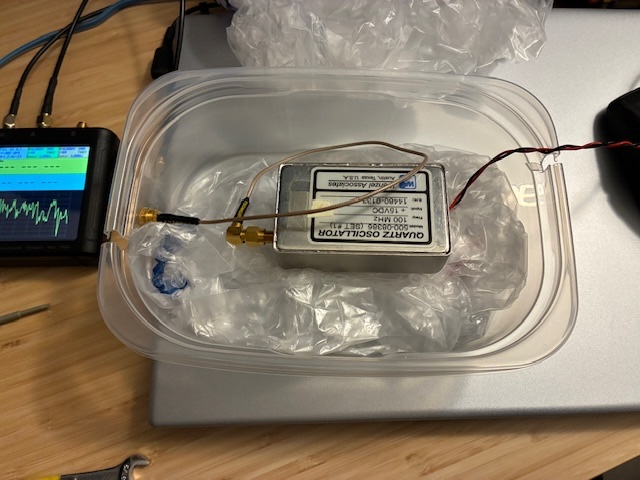
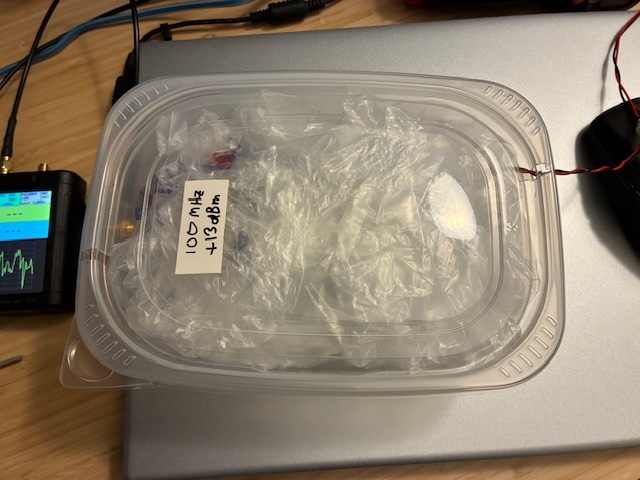
With the oscillator back inside the package, the temperature rose, and the oscillator moved higher in frequency (same as before).
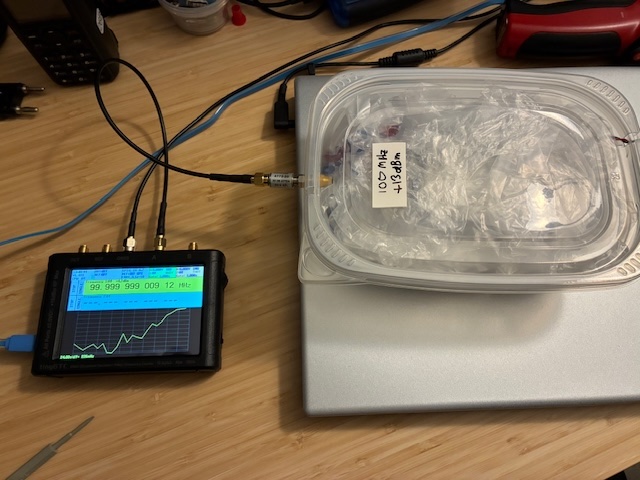
As it stabilized temperature wise, the frequency also settled.
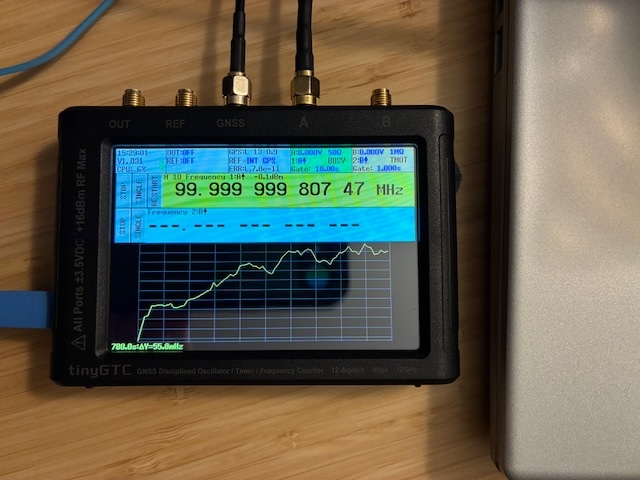
After more stabilization, the result looked pretty good!
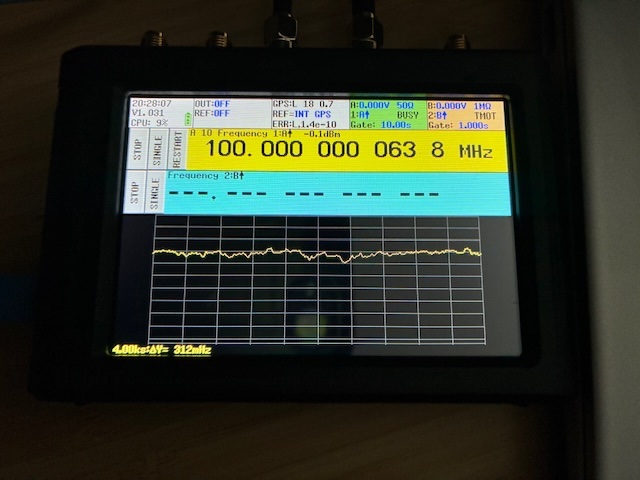
SiTime has a frequency to PPM and PPM to frequency calculator
Plugging in the 100 MHz oscillator frequency and the measured value yields an error of 0.638 ppb (parts per billion). This is good for a crystal oscillator (and as expected, the oscillator has since drifted/aged away from this value).
For reference, a gate time of 10 seconds with averaging (10) enabled was chosen for the latest round of measurements. This helped to smooth out the data by quite a bit...
Will continue to occasionally monitor/measure the 100 MHz test oscillator as time permits. For now, being comfortably within 1 Hz of 100 MHz is close enough for me.
Achievement Unlocked: Use the TinyGTC to measure and adjust a crystal oscillator.
All photos taken with an iPhone 16e.